
Getting Started
The Insteon Hub requires a Connected Home Access service to use with Insteon mobile apps and services. Learn more
Attention Beta Testers: to learn about current known issues, release notes, and to submit feedback, visit the hub beta support page.
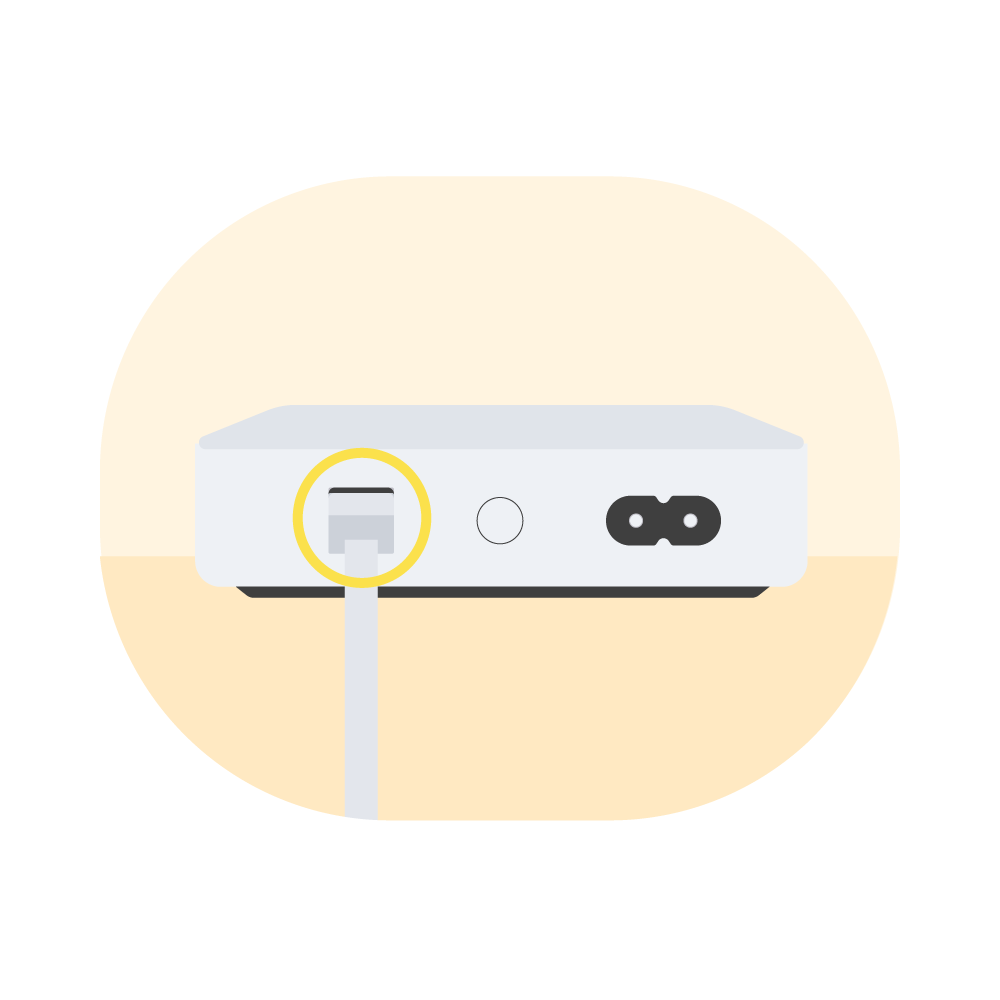
Connect the ethernet cable to your hub and the other end to an available port on your router.
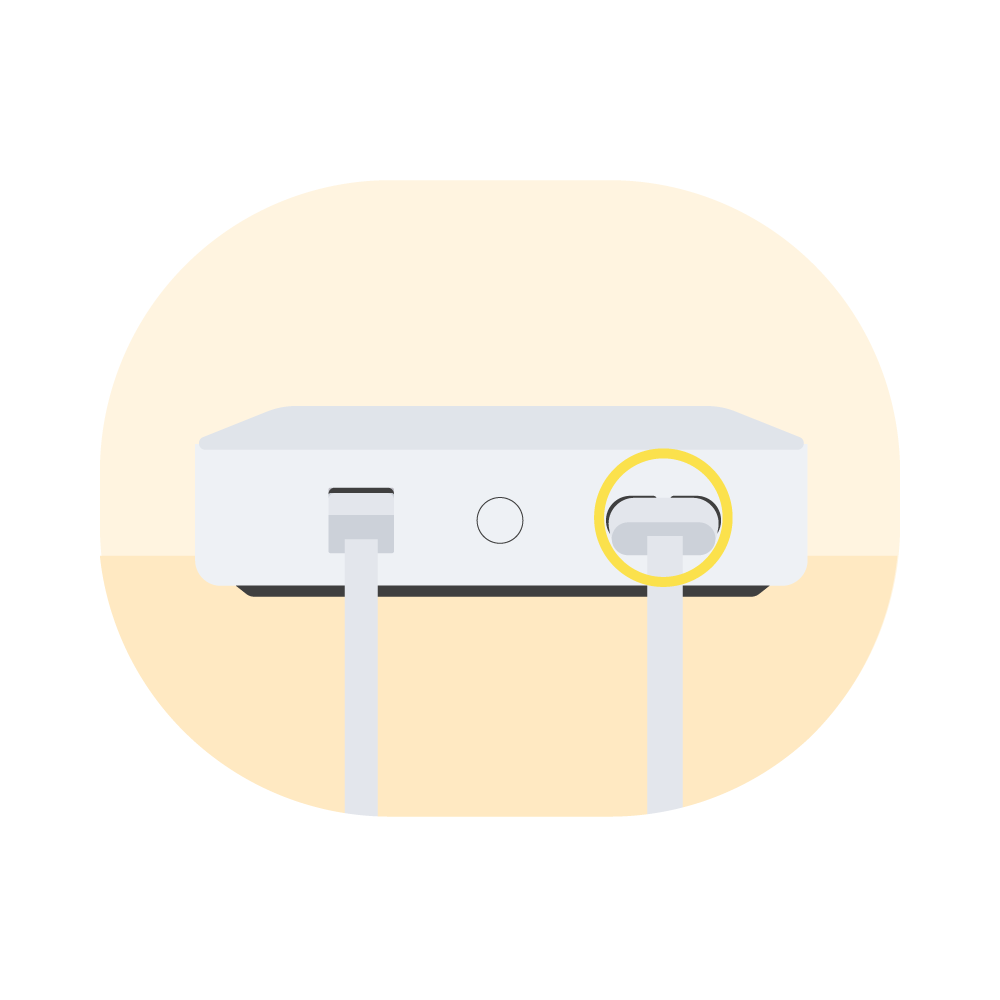
Connect the power cable to your hub and the other end to an outlet.
Note: for best power line performance, avoid power strips.
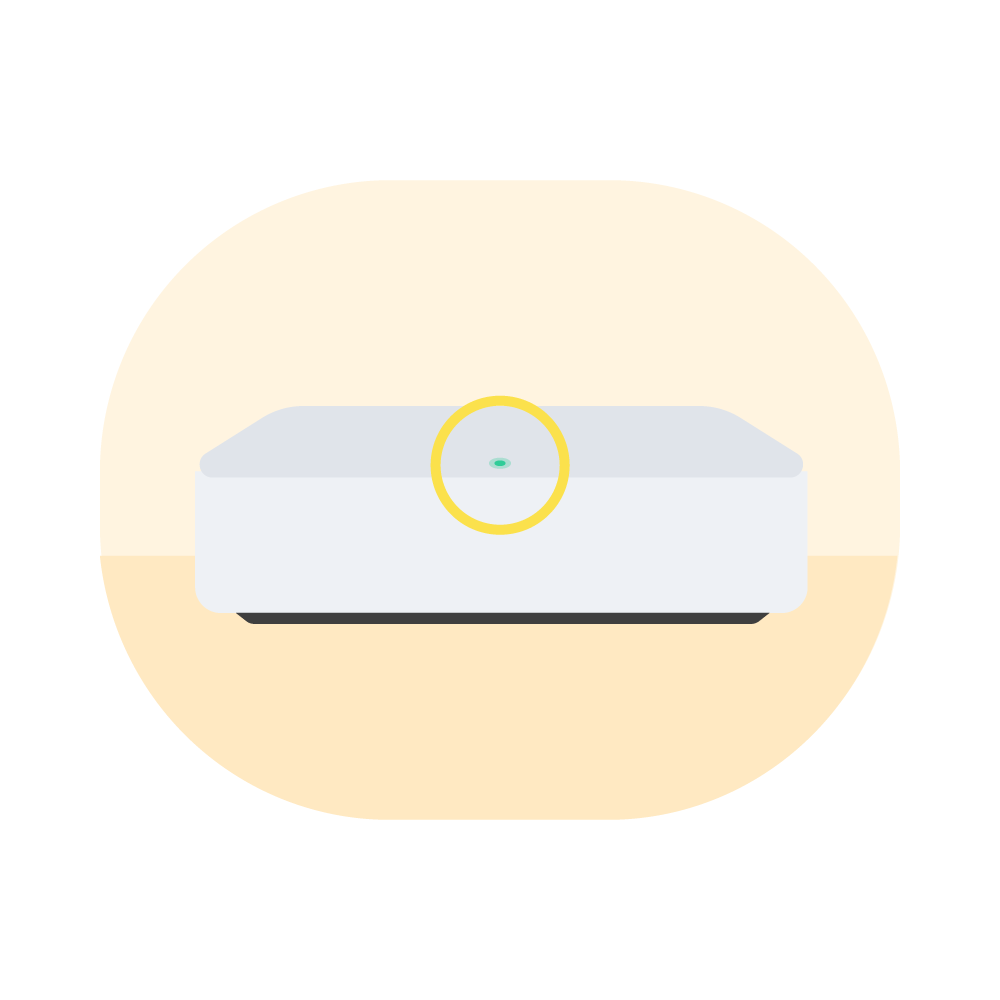
After a few moments, the indicator light will turn green.
Download the Insteon Director app and create your account.
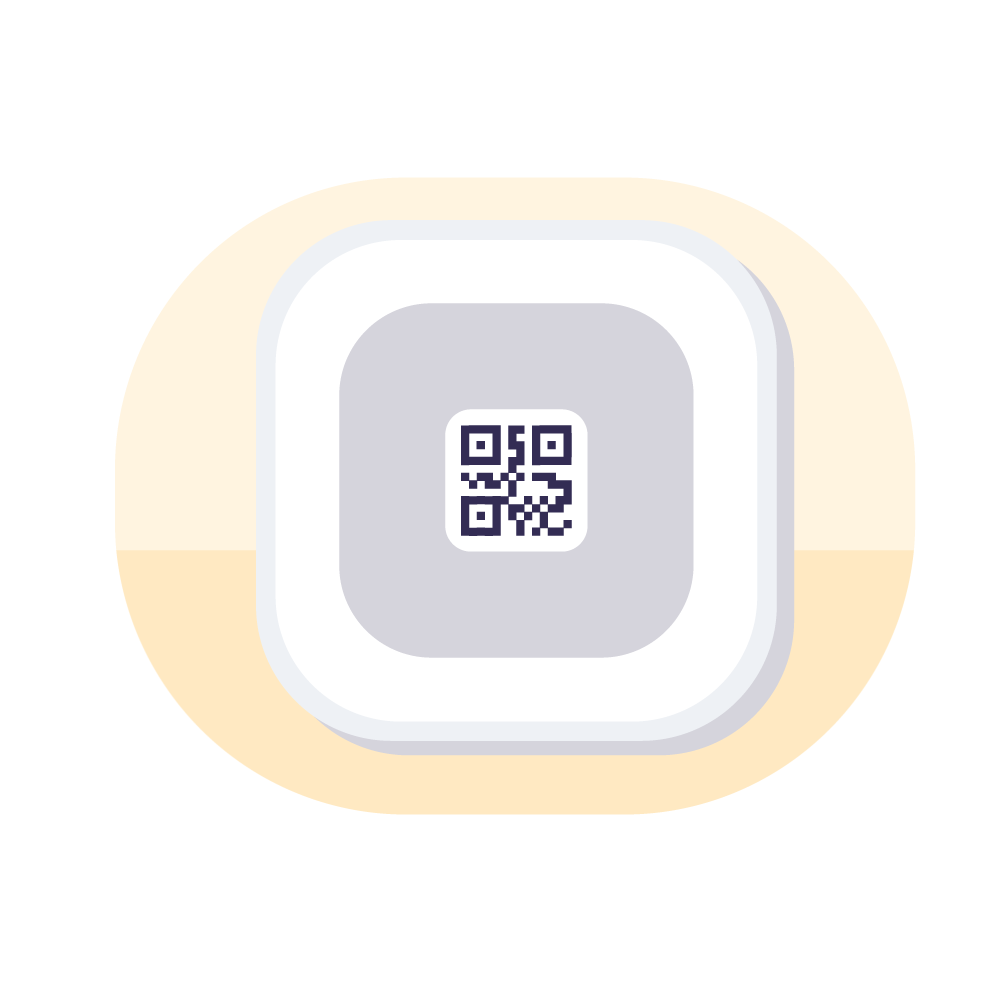
The Director app will ask you to scan the QR code. You can find it on the underside of the hub. Note: you can also enter the credentials by hand by tapping the “?” icon in the upper right of the QR scanning page.
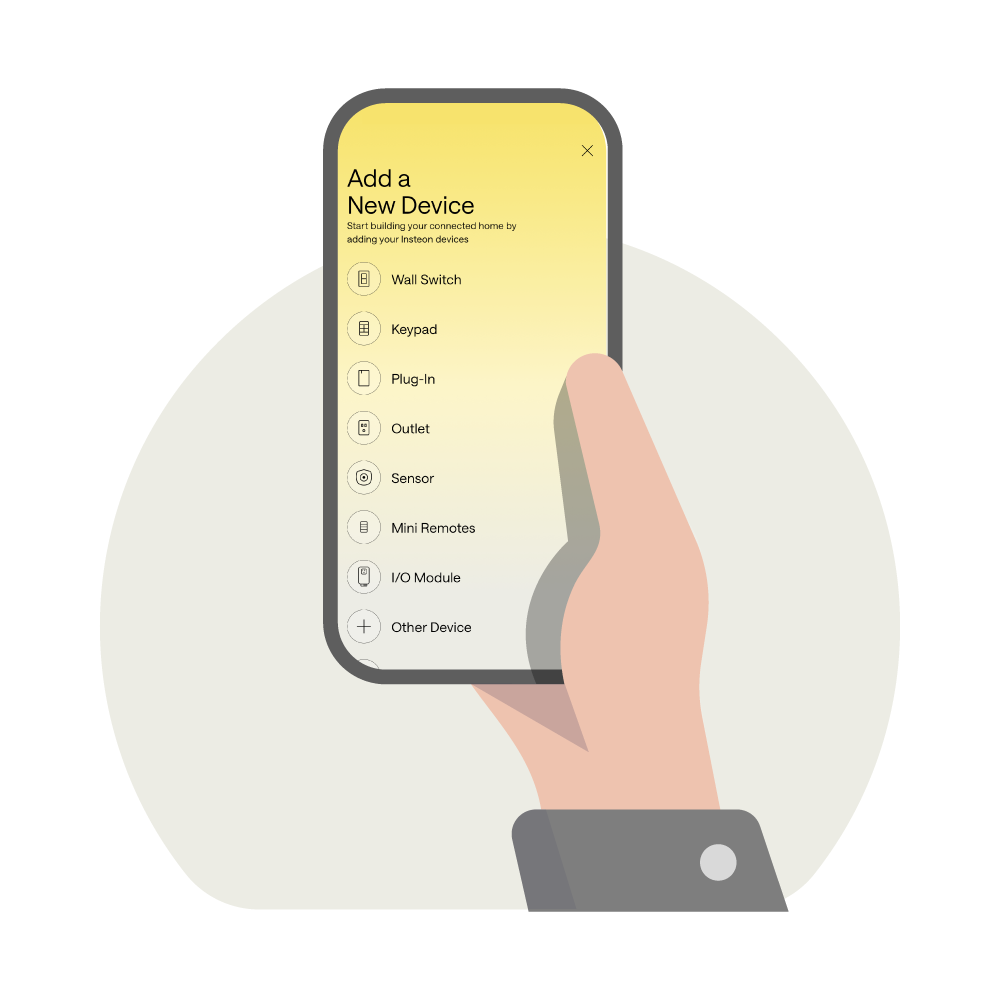
Add your first Insteon device from the available device types and following the on-screen instructions. If adding by Insteon ID, scroll all the way to the bottom.

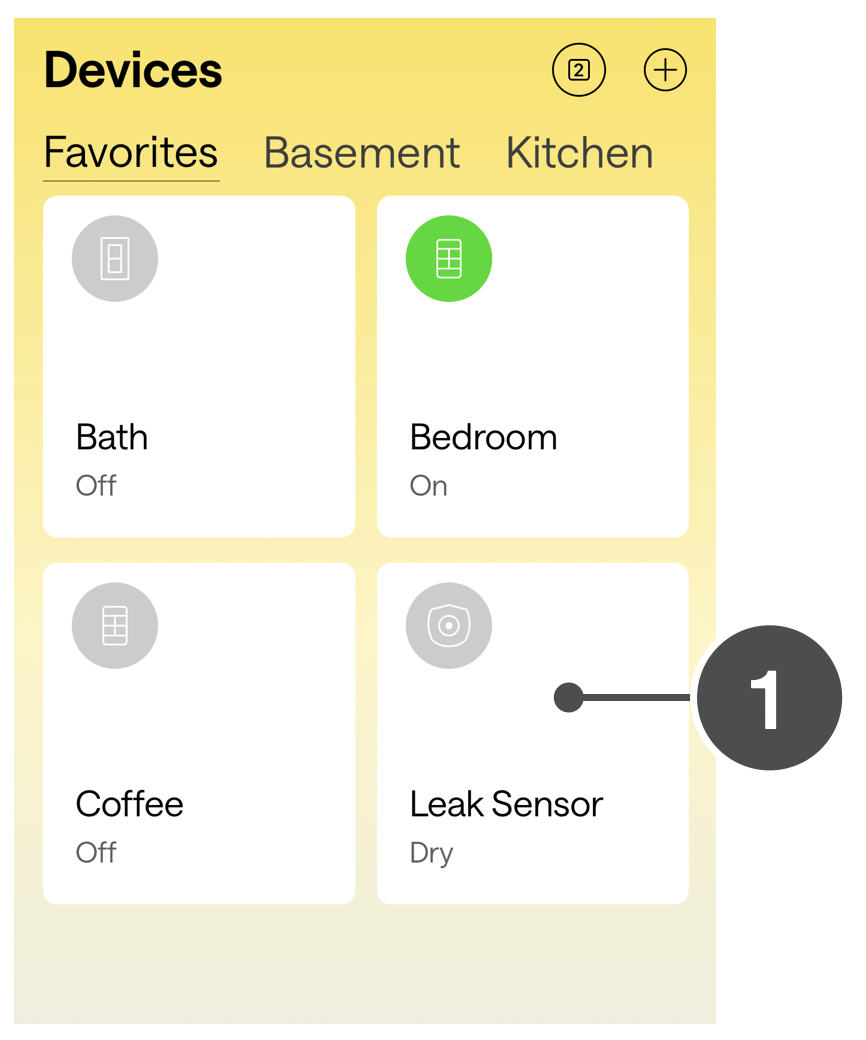




Insteon Hub lets you schedule lights and appliances to turn on and off throughout the day...