
Interior designers are including wall switches among the elements that must align with a rooms aesthetic and standard wall switches you find at big box stores aren’t the only styles that don’t make the cut. Smart switches also may not blend well with a given design. Popular brands that do are made by companies such as Meljac, Forbes & Lomax, and hot on the scene Buster & Punch. All are creating beautifully crafted wall switches. However, they are simple mechanical switches. So, how can you benefit from the look and feel of a mechanical switch and integrate them into a smart lighting control solution?

“1G Toggle / Brass” by Buster & Punch
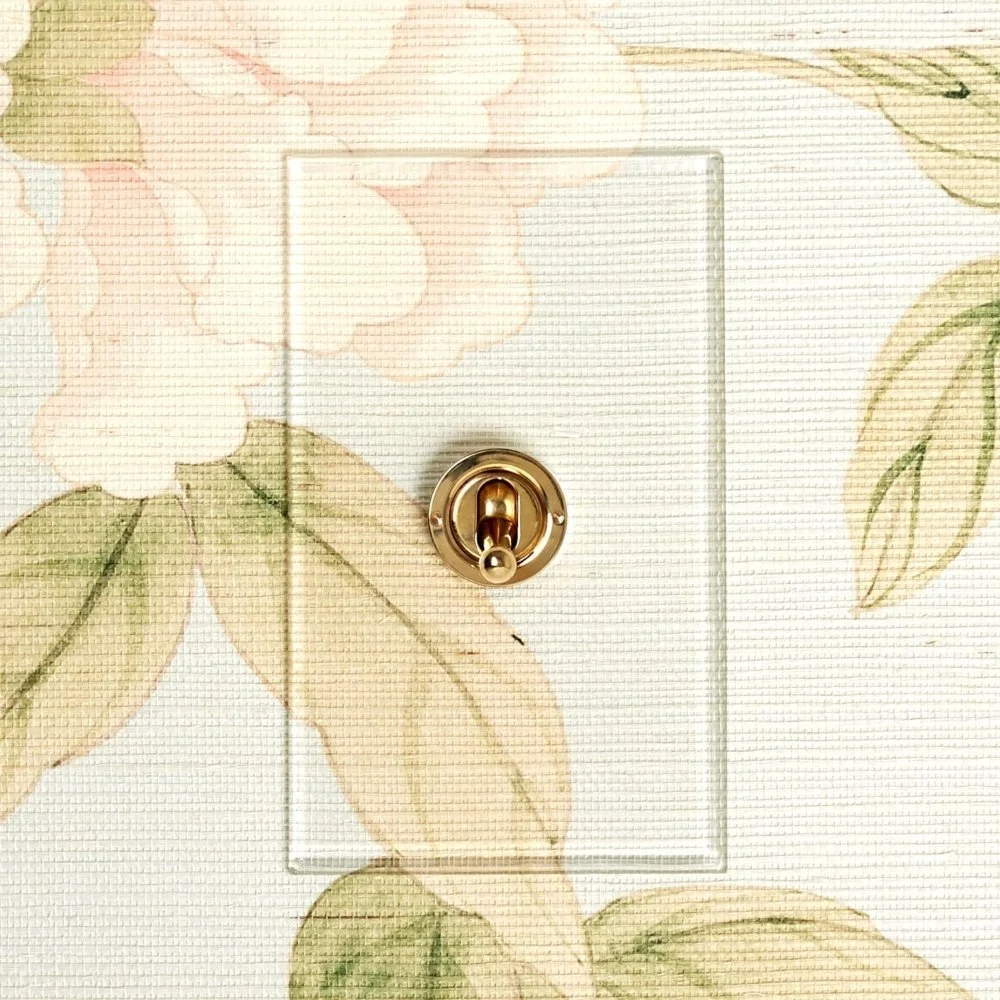
“Invisible Switch” by Forbes & Lomax.

“Classique Keypad” by Meljac
Insteon offers a way to convert any mechanical switch into a smart switch. By installing an Insteon Micro Module between the switch and the load it is controlling, you can continue controlling the fixture from the mechanical switch but you can also remotely control the fixture from another Insteon controller (keypad, sensor, mobile app, etc).
The Micro Module senses the mechanical switching as an input and then turns the fixture on or off. The Micro Module also broadcasts the control commands which also allows you to create a virtual multi-way circuit (when actuating the mechanical switch, Micro Module could simultaneously control another Insteon fixture not directly wired to the switch box).
The wiring diagrams in this article detail installation for Micro Modules with switches that have an indicator light. If your mechanical switch does not have an indicator light, simply ignore that part of the wiring.
Toggle Switch Wiring
Place Micro Module in latching mode to ensure functionality with your toggle switch.
Press and hold the set button until Micro Module beeps
Press and hold the set button a second time
Press and hold the set button a third time
Tap the set button six times
Press and hold the set button until Micro Module double-beeps.
Single-Momentary Wiring
Place Micro Module in single-momentary mode to ensure functionality with your push-button switch.
Press and hold the set button until Micro Module beeps
Press and hold the set button a second time
Press and hold the set button a third time
Tap the set button four times
Press and hold the set button until Micro Module double-beeps
Dual-Momentary Wiring
Place Micro Module in dual-momentary mode to ensure functionality with your dual-push button switch.
Press and hold the set button until Micro Module beeps
Press and hold the set button a second time
Press and hold the set button a third time
Tap the set button five times
Press and hold the set button until Micro Module double-beeps