




Get Started with Computer Interfaces

Get Started with Embedded Devices
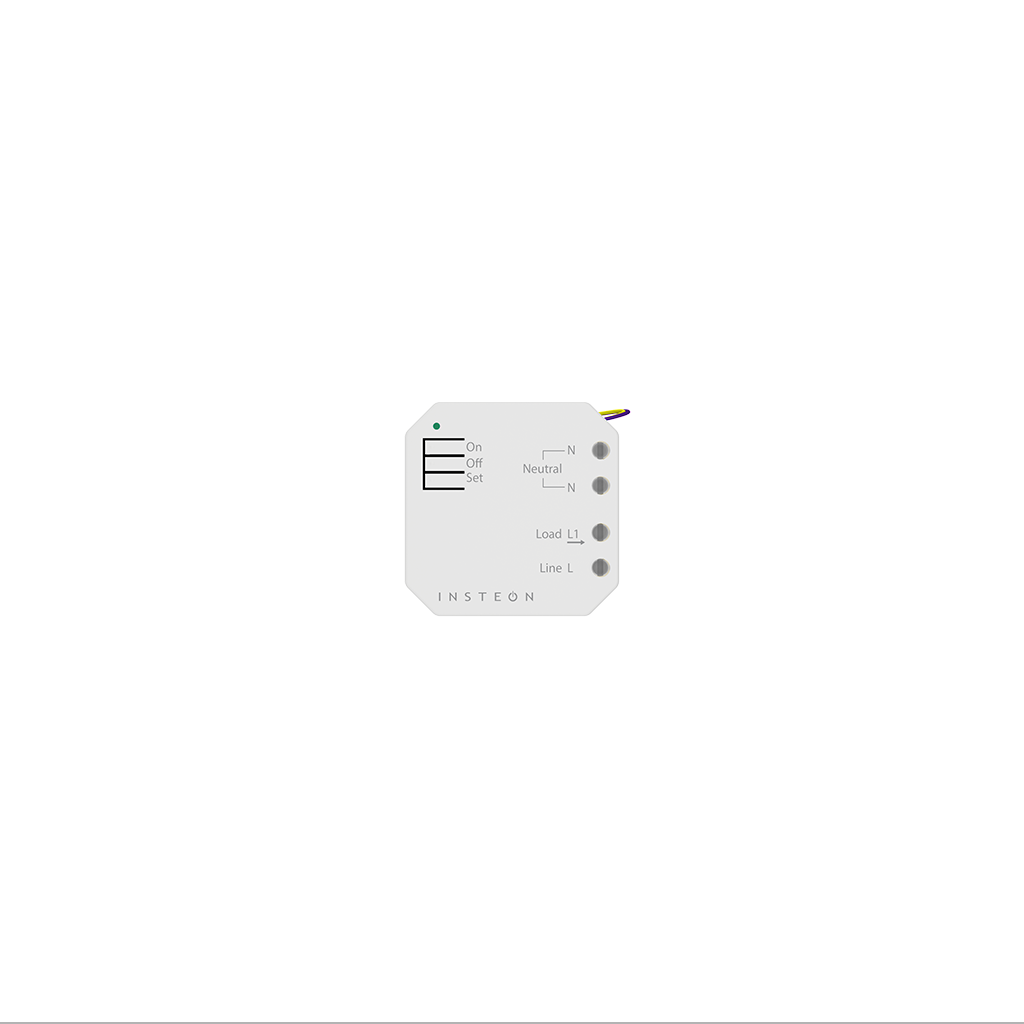
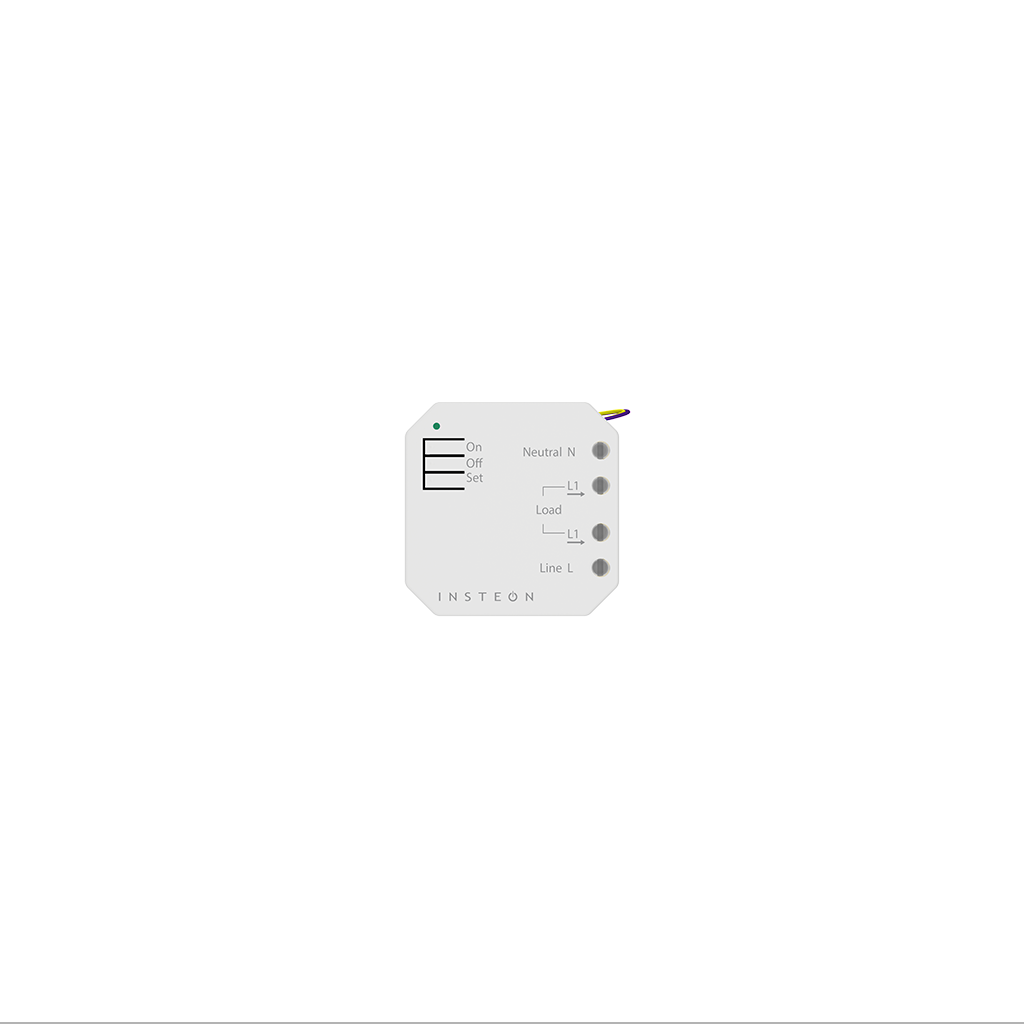
Get Started with Mini Remotes

Setup Mini Remote
Wireless Switch

Setup Mini Remote
4-Scene

Setup Mini Remote
8-Scene
Get Started with Wi-Fi Cameras


Get Started with Thermostats


Get Started with Sensors and Low Voltage




Get Started with Wall Keypads


Get Started with Insteon Hubs

Get Started with LED Bulbs


Get Started with Plug-in Devices


Get Started with Starter Kits
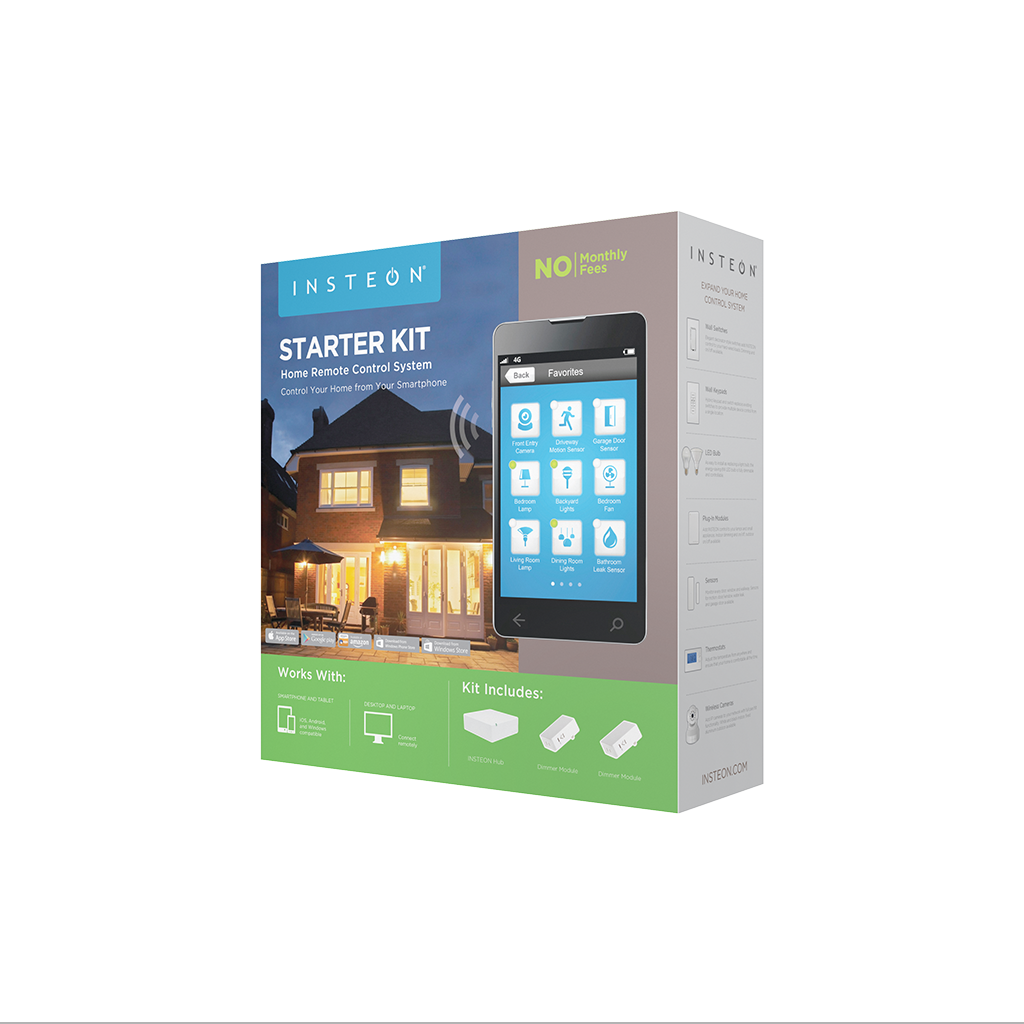


All Starter Kits
Featured


Get Started with Home Lighting Controls
Open/Close Micro Module - Quick Start Guide

On/Off Micro Module - Quick Start Guide
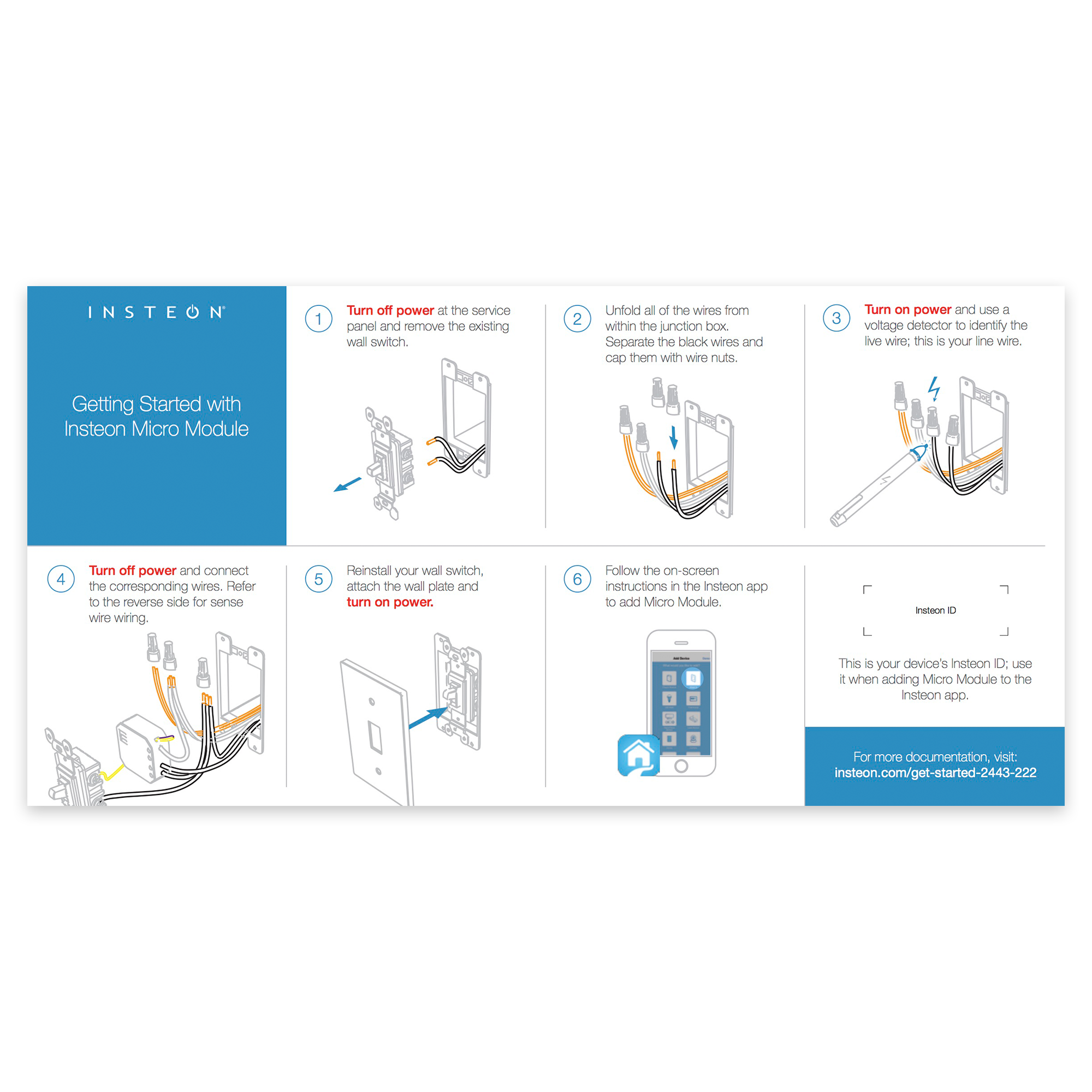
Dimmer Micro Module - Quick Start Guide

Dimmer Module - Quick Start Guide

On/Off Plug Setup
Getting Started

Turn on your lamp or appliance and connect its power cord to On/Off Plug.

Plug On/Off Plug into a power outlet.
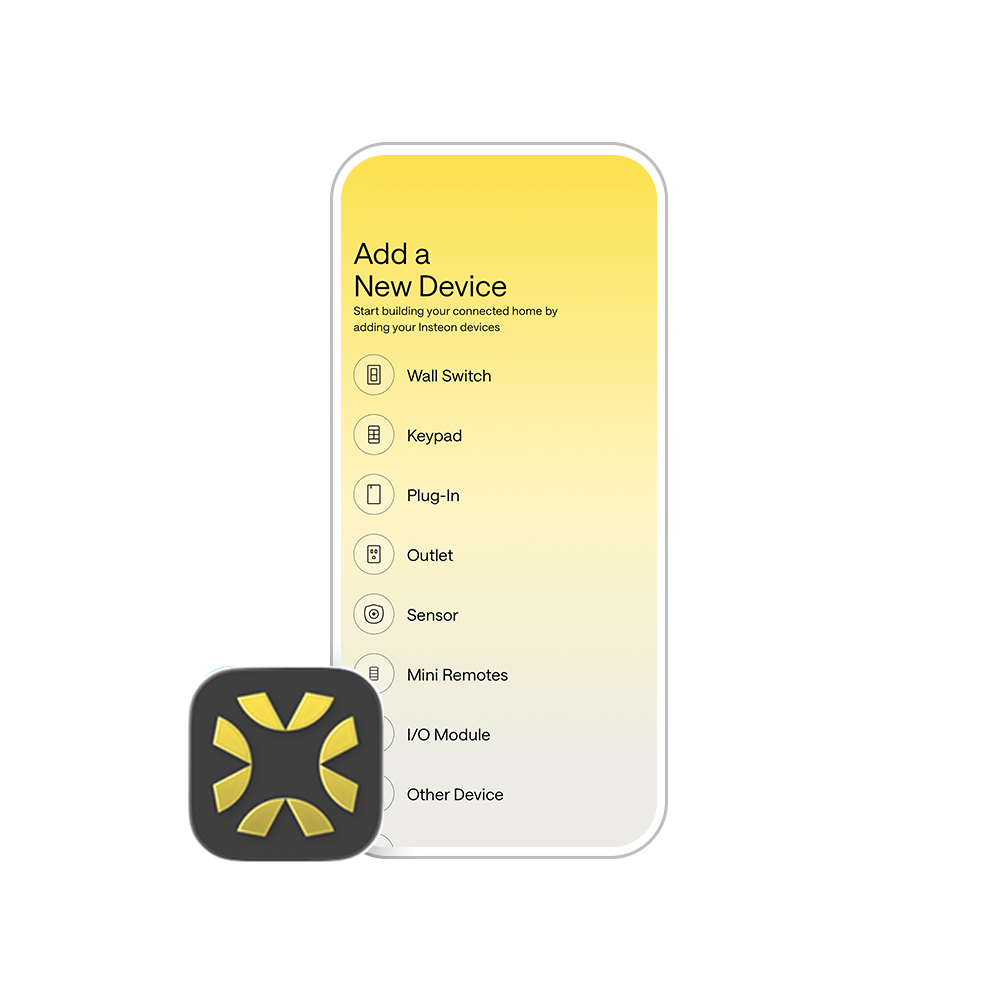
Follow the on-screen instructions in the Insteon Director app to add On/Off Plug. Insteon Hub required and sold separately.
Setting up without a hub? No, problem. Check out our manual configuration instructions.
Guides and Manuals
Quick Start Guide
Featured


Owner's Manual
Featured

Going Further
Featured

Dimmer Plug Setup
Getting Started

Turn on your lamp and connect its power cord to Dimmer Plug.

Plug Dimmer Plug into a power outlet.
Follow the on-screen instructions in the Insteon Director app to add Dimmer Plug. Insteon Hub required and sold separately.
Setting up without a hub? No, problem. Check out our manual configuration instructions.
Bulb Compatibility

Only use dimmable bulbs with Insteon Dimmer Plug
Guides and Manuals
Quick Start Guide
Featured


Owner's Manual
Featured
Going Further
Featured