

240V Load Controller - Quick Start Guide

Dimmer Smart Switch In-Line Module - Quick Start Guide
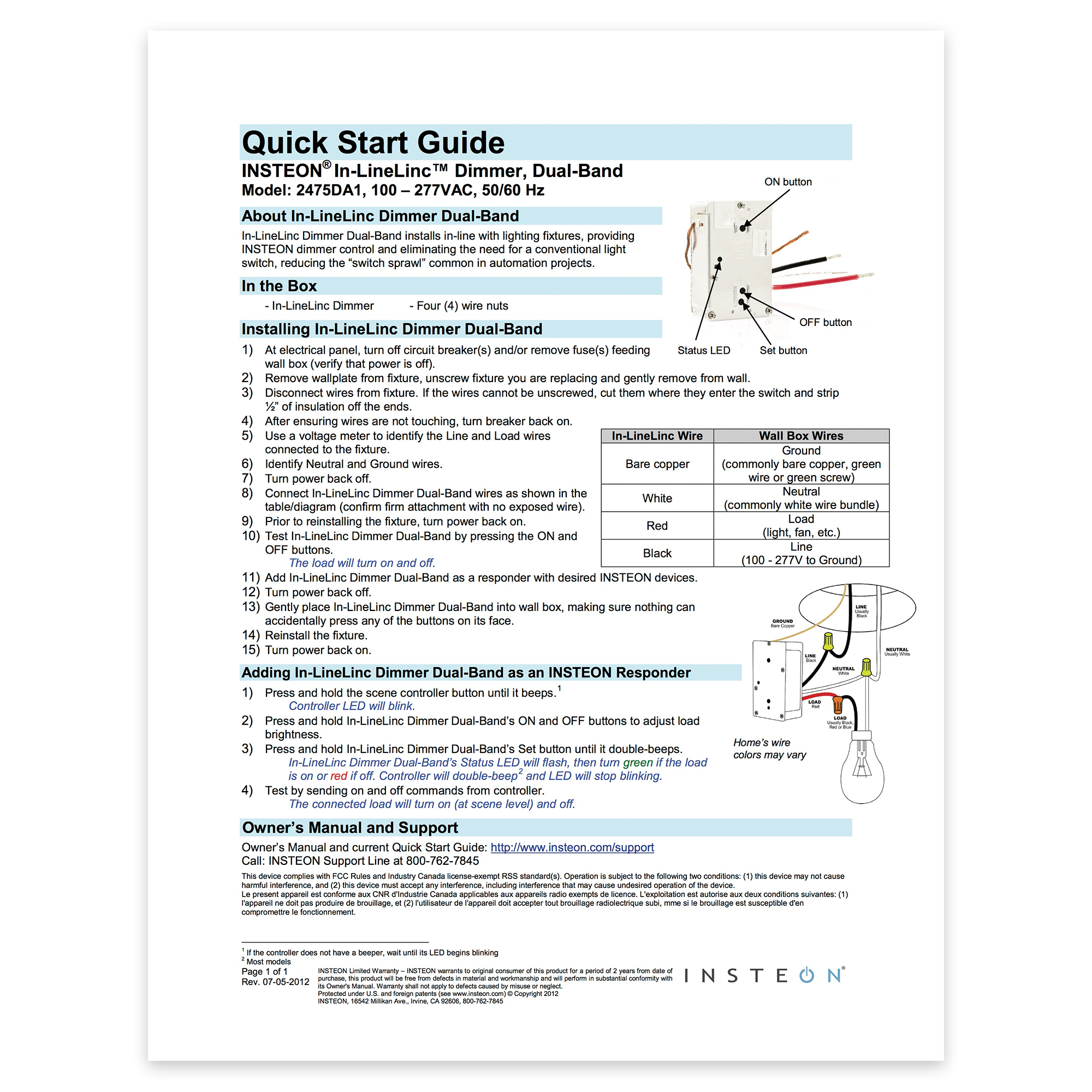
Ballast Dimmer - Quick Start Guide
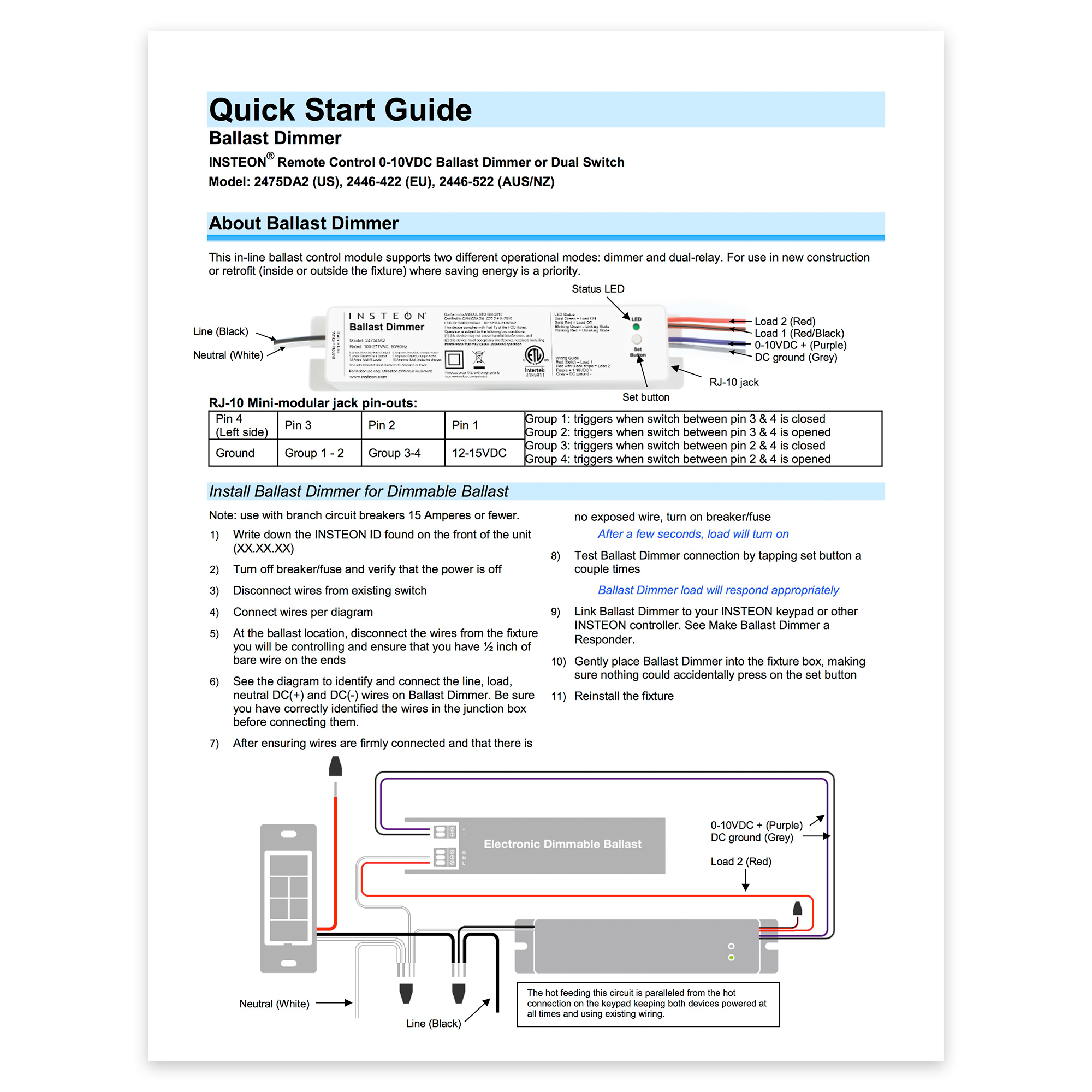
Open/Close Micro Module - Guía Rápida de Instalación y Uso

On/Off Micro Module - Guía Rápida de Instalación y Uso

Dimmer Micro Module - Guía Rápida de Instalación y Uso

On/Off DIN Rail Module - Quick Start Guide
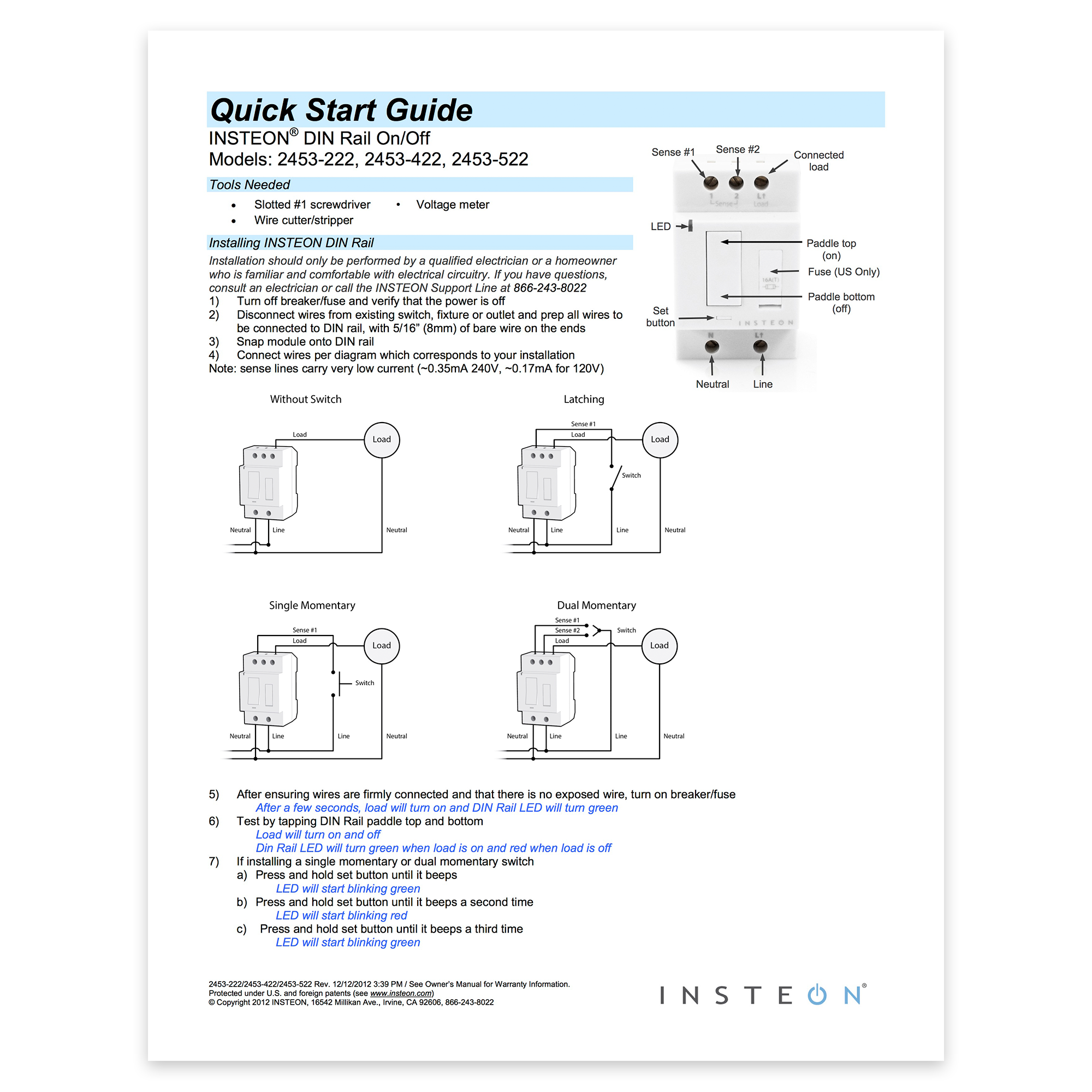
Ceiling Fan Controller - Quick Start Guide
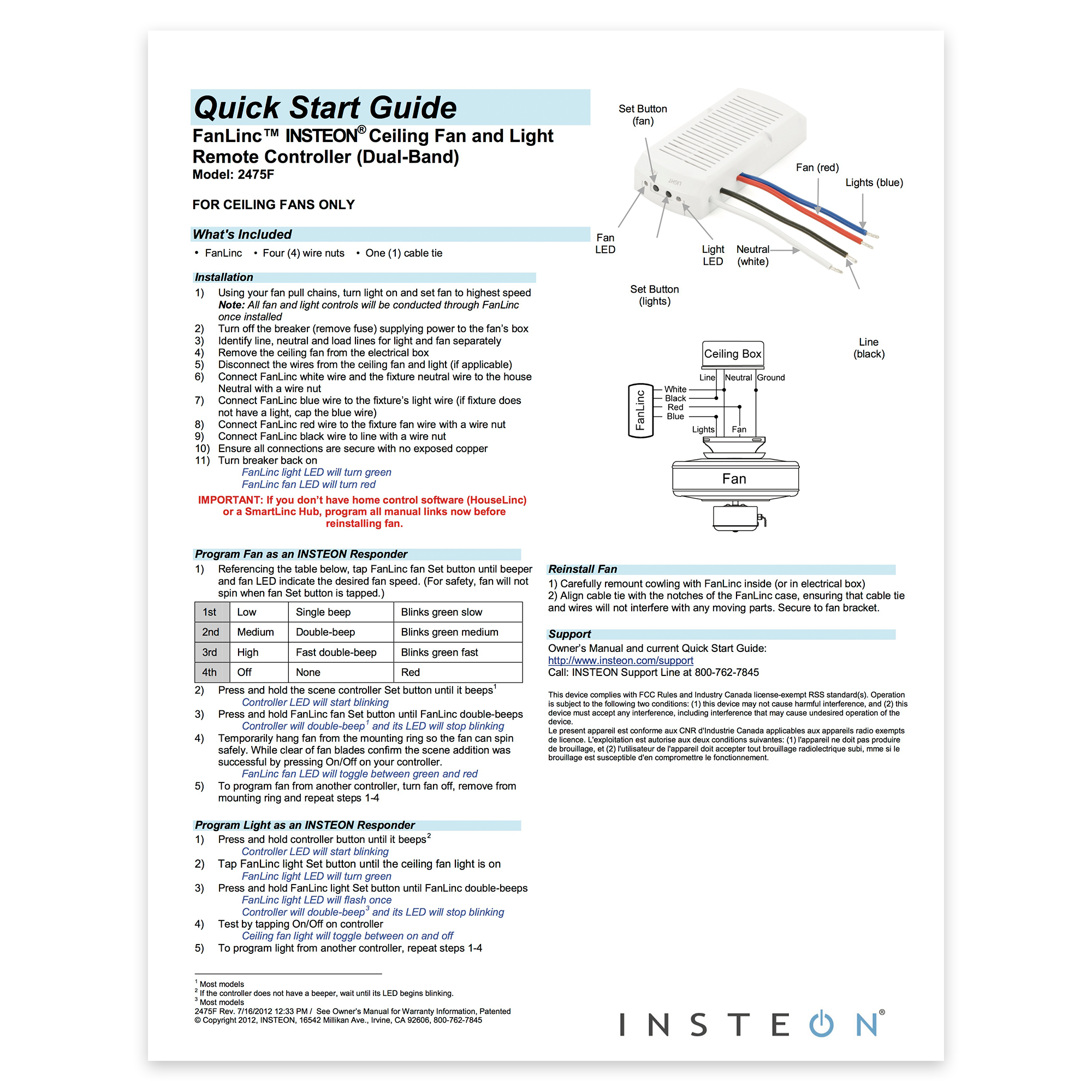
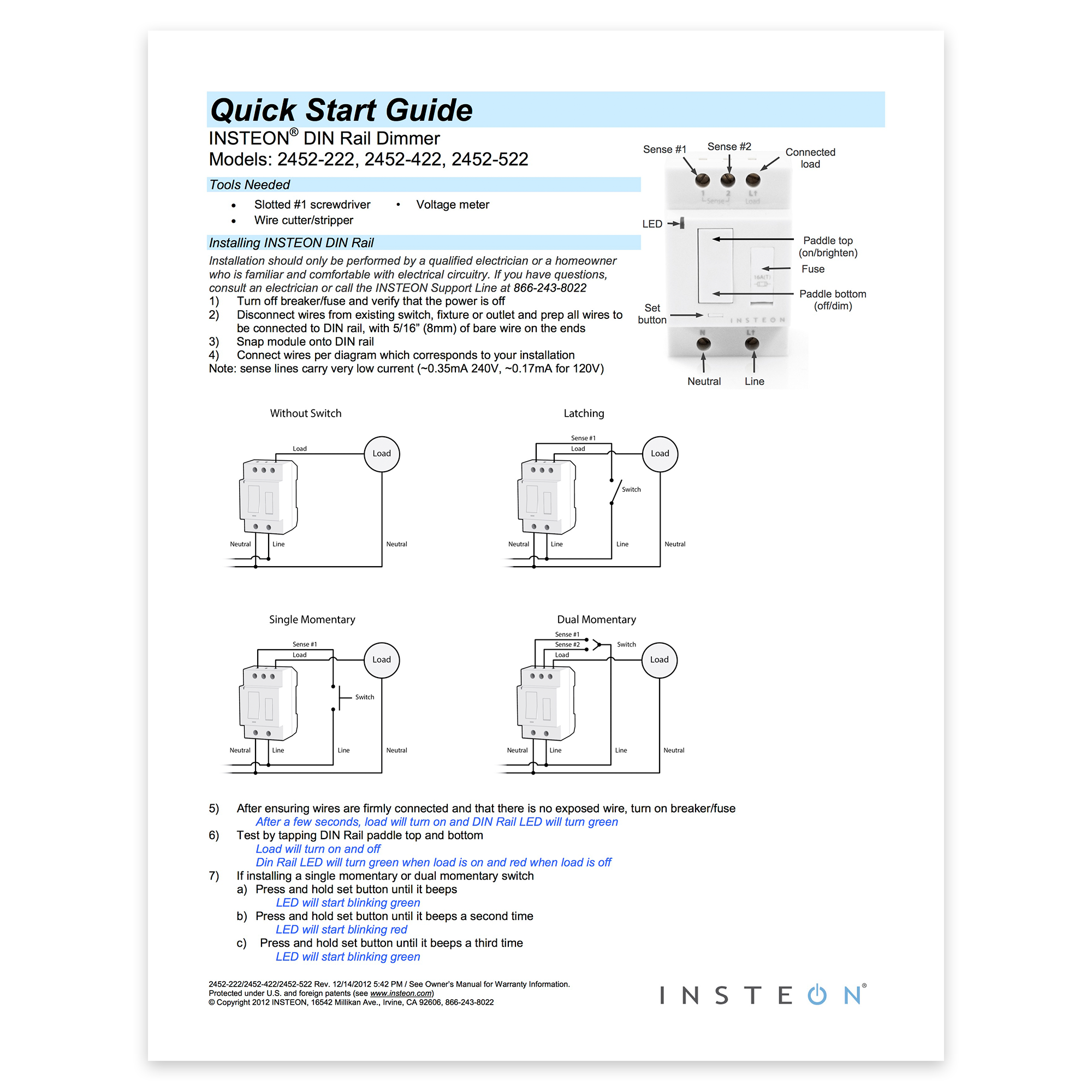
Dimmer DIN Rail Module - Quick Start Guide
I/O Module - Quick Start Guide

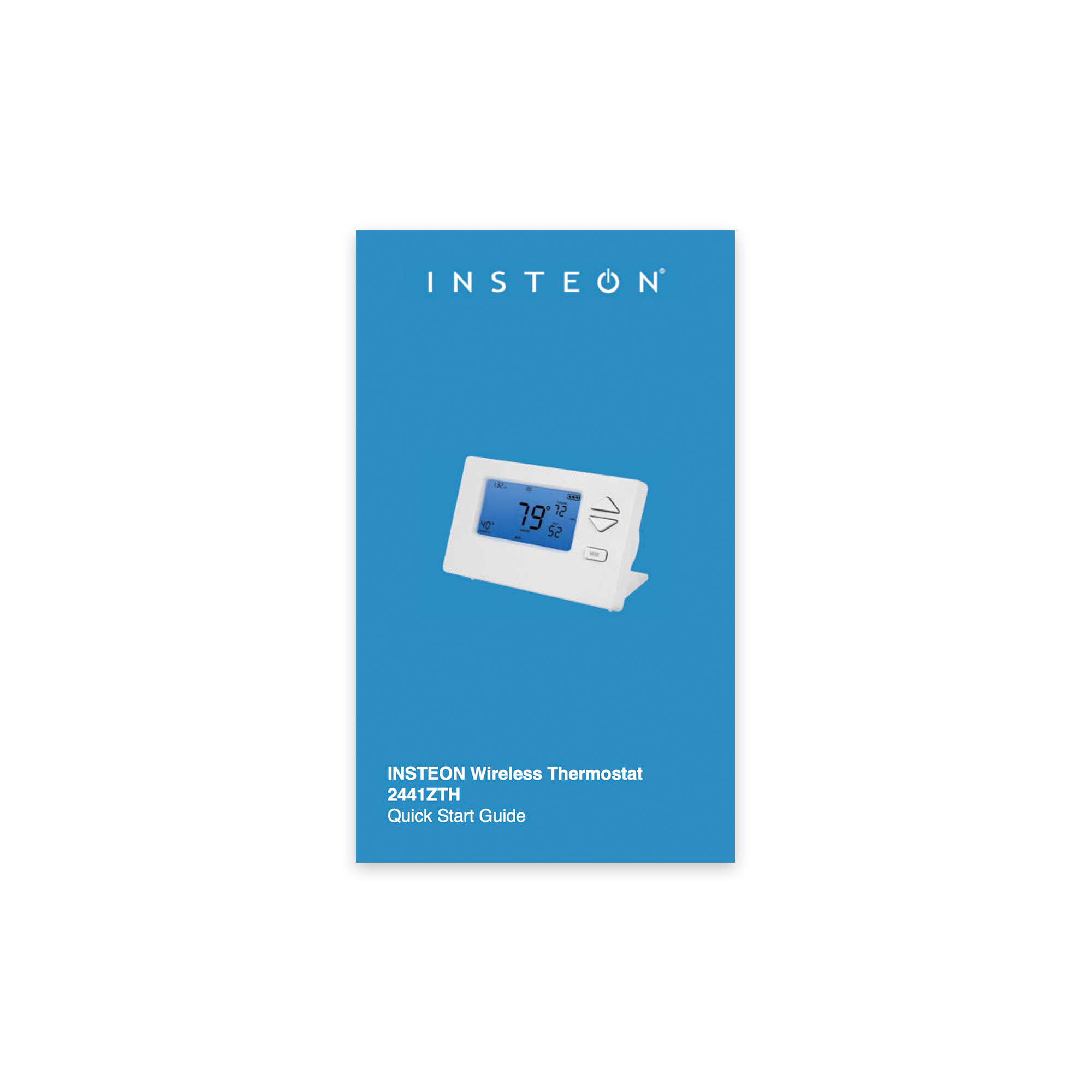
Wireless Thermostat - Quick Start Guide
Thermostat Adapter - Quick Start Guide

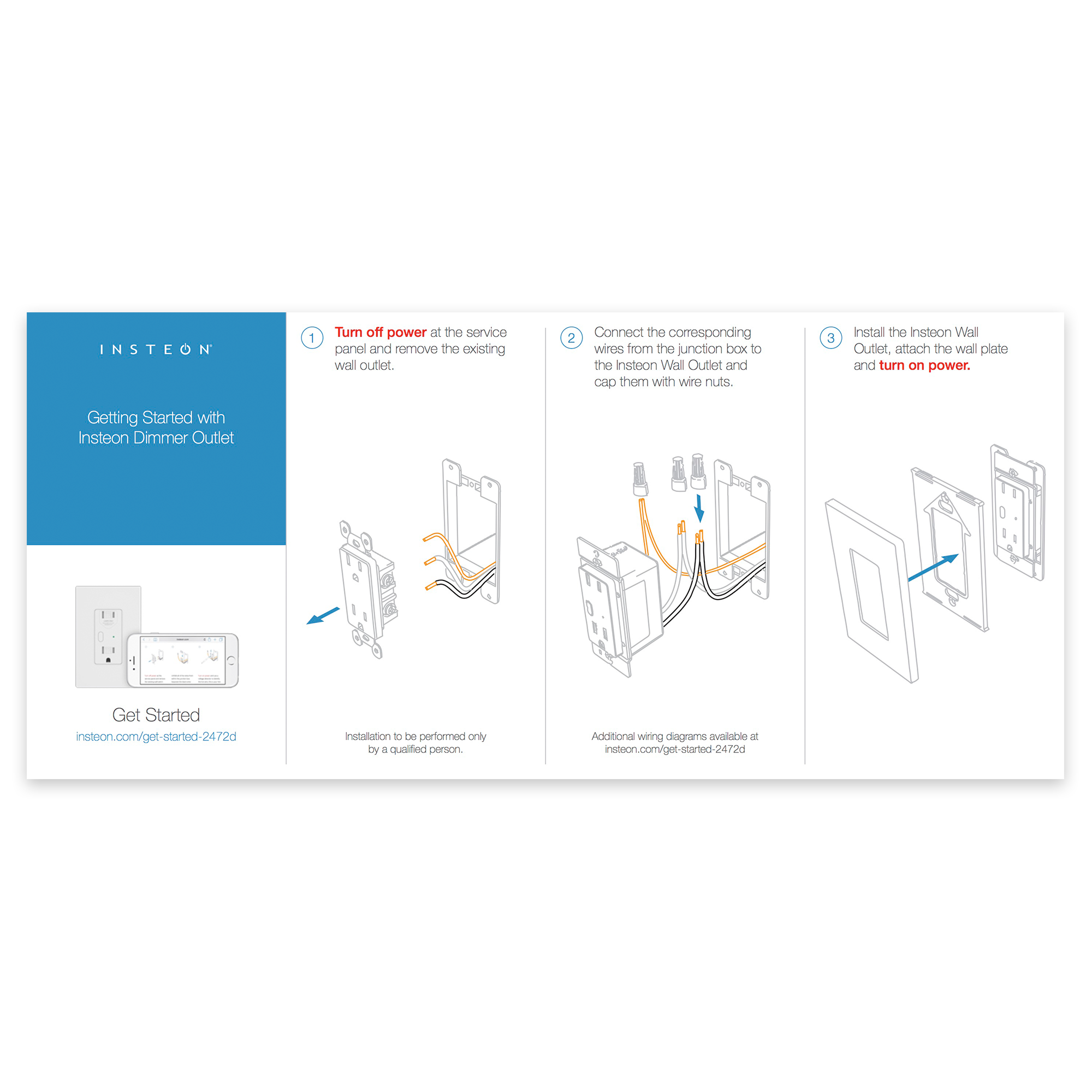
Dimmer Outlet - Quick Start Guide
Mini Remote (4-Scene) - Quick Start Guide

LED Bulb for Recessed Lights - Quick Start Guide

LED Bulb for Recessed Lights - Owner Manual
On/Off DIN Rail Module - Guía Rápida de Instalación y Uso

Identifying Your Device Revision
As we continually improve our products by adding new features, some instructions may vary depending onthe particular revision of your product. See below for instructions on locating the revision of your product.
Non-Wired-In Devices
1. Look at the back of the unit (unplug the unit from the wall if it is a plug-in product)
2. Locate the sticker (on the label side) which contains the letter "V" followed by a number like "1.0"

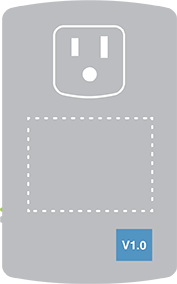
In-Wall Switches, Keypads & Outlets
1. If the product is already installed, remove the trim plate
2. Locate the sticker (on the aluminum bracket) which contains the letter "V" followed by a number like "1.0"



DIN Rail Modules
1. Locate the sticker on the left side of the module which contains the letter "V" followed by a number like "1.0"
2. If ganged together, you may need to remove the DIN Rail module from its mounting rail

Mini Remotes
1. Locate the sticker on the back of the remote which contains the letter "V" followed by a number like "1.0"

Wireless Sensors
1. On Open/Close sensors, remove the top housing. For Motion sensors, remove the back access panel and the battery.
2. Locate the sticker which contains the letter "V" followed by a number like "1.0"


Insteon Retail Device Numbers
Insteon products purchased through some third party retailers may refer to devices by a "Device Number." The Device Number does not affect an Insteon device's interoperability with Insteon products that have not been issued a device number.
| Device Number | Device Name |
|---|---|
| 10 | Dimmer Module |
| 11 | On/Off Module |
| 12 | Dimmer Switch |
| 14 | On/Off Switch |
| 15 | On/Off Outlet |
| 16 | Dimmer Switch (2-Wire) |
| 17 | Range Extender |
| 20 | Dimmer Keypad (6-Button) |
| 23 | LED Bulb |
| 24 | LED Bulb for Recessed Lights |
| 30 | Mini Remote (4-Scene Kit) |
| 32 | Motion Sensor |
| 33 | Leak Sensor |
| 36 | Smoke Bridge Kit |
| 40 | Open/Close Sensor |
| 41 | Hidden Door Sensor |
| 42 | Wired Thermostat |
| 43 | Garage Door Kit |
| 44 | IO Module |
| 45 | WiFi Camera (Black) |
| 46 | WiFi Camera (White) |
| 47 | Outdoor WiFi Camera |
| 50 | Ceiling Fan Controller |
| 51 | Dimmer Micro Module |
| 52 | On/Off Micro Module |
| 53 | Open/Close Micro Module |
| 55 | HD WiFi Camera (Black) |
| 56 | HD WiFi Camera (White) |
| 57 | Outdoor HD WiFi Camera |